Deep Dive 02 · From the Magic Gifts case
← Scaling Creative Stories Through Reusable Design KnowledgeDefining Quality for Generated Creative Assets
How we judged whether an image was usable and whether a batch offered enough interesting directions to keep choosing.
On this page: 01 / 06What made a batch useful?
What made a batch useful?
In Magic Gifts, I refined the library and Prompt conditions with creative designers and the team. The designers contributed strong creative examples and aesthetic judgment; image selection was a shared responsibility.
We needed images that made sense as stories, and a batch with enough worthwhile options to continue choosing. A polished surface alone was not enough.
Two levels of judgment
At the image level, we looked for a coherent whole: recognizable personality, a plausible setting and action, and an interaction or event worth watching. An accepted image could move into image-to-video with almost no manual changes.
At the batch level, we looked for several good directions with meaningful variation. A useful batch gave creative designers something they wanted to spend time selecting.
- Image: does the character, clothing and action fit the scene?
- Image: can a viewer understand the interaction and story?
- Image: is it suitable for the next generation step with little or no editing?
- Batch: are there several appealing options, with differences worth exploring?
A retrospective description of our review concerns. It is not a claim that we used a formal weighted scoring rubric.
Understand the weak results
A pretty but uneventful image was a recurring issue. The questions below make that judgment easier to discuss; they are diagnostic principles, not documented before-and-after experiments.
- 01Little story: what is happening, and how do the characters respond to each other?
- 02Weak coherence: do the outfit, action and setting follow the character’s personality?
- 03Unclear interaction: can the viewer read the relationship and contrast?
- 04Limited variety: has the batch produced different possibilities, or repeated one idea?
Generate, then choose
For this task, generating many candidates and reviewing them was faster than repeatedly editing individual images. We used the improved prompts for batch generation, then selected with creative designers and the team.
Accepted images generally went directly to image-to-video. Image acceptance did not guarantee that the resulting video would pass review or reach release.
- Use the library and connected story conditions
- Generate a batch of image candidates
- Review each image and the range of choices
- Select suitable images for image-to-video
- Use weak patterns to reconsider inputs for later batches
A task-specific tradeoff based on the production experience, rather than a general rule that more generation is always better than editing.
Keep the result in context
The production improvement concerned image acceptance after library and Prompt changes. The flagship case describes that outcome, its estimate and its limits.
A later workflow tool organized reuse, batch generation and selection. Its text-rule checks did not evaluate whether an image was interesting or coherent; human review remained necessary.
Production improvements and later tool implementation are separate parts of the timeline.
Review interface experiments
The Lab scoring panel and asset filter are independent interface experiments. They use simulated values and example assets to explore how criteria and filtering might appear on screen.
They do not reproduce the team’s review practice or the later tool. No image understanding, production quality measurement or automated creative approval is performed.
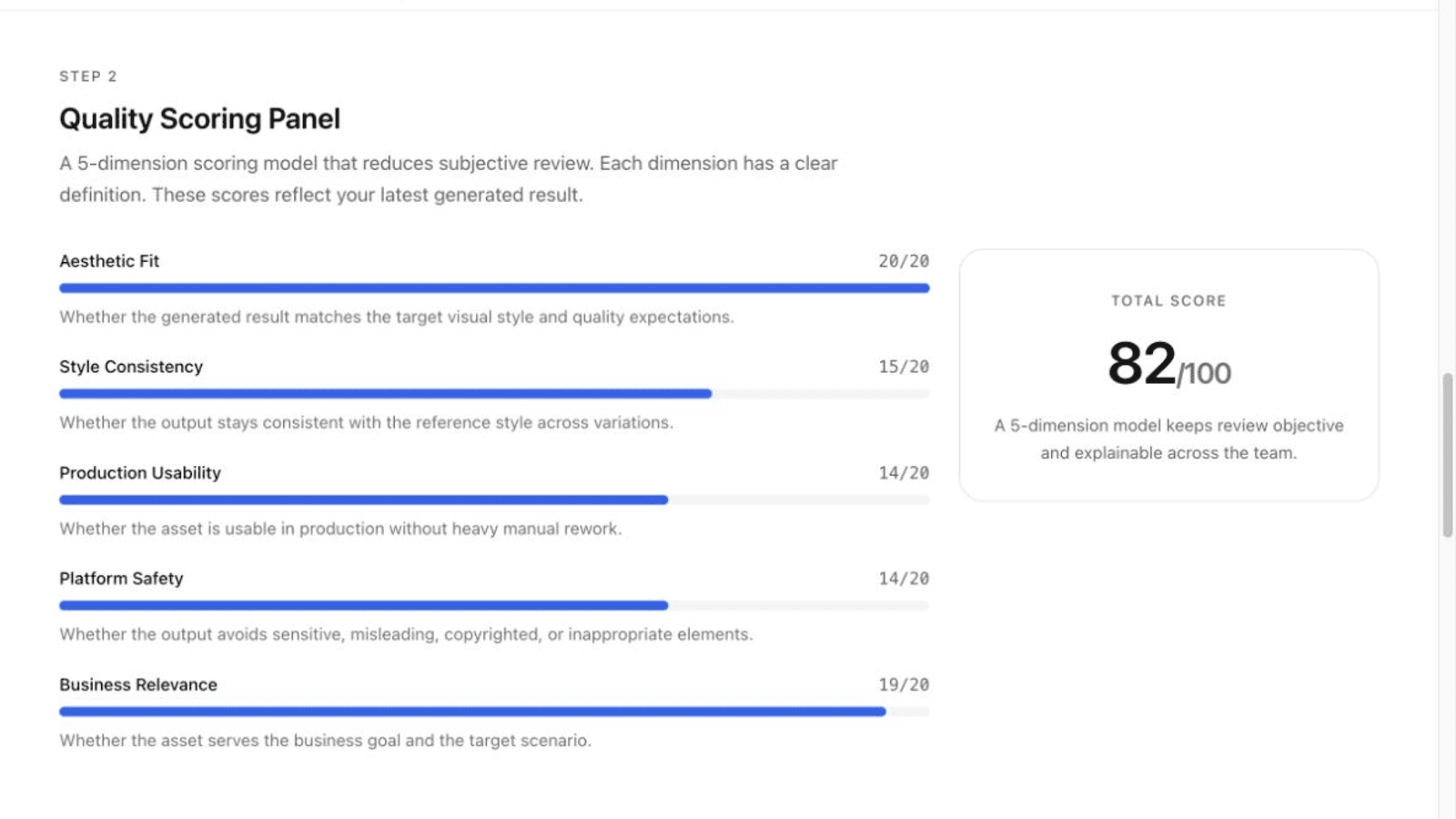
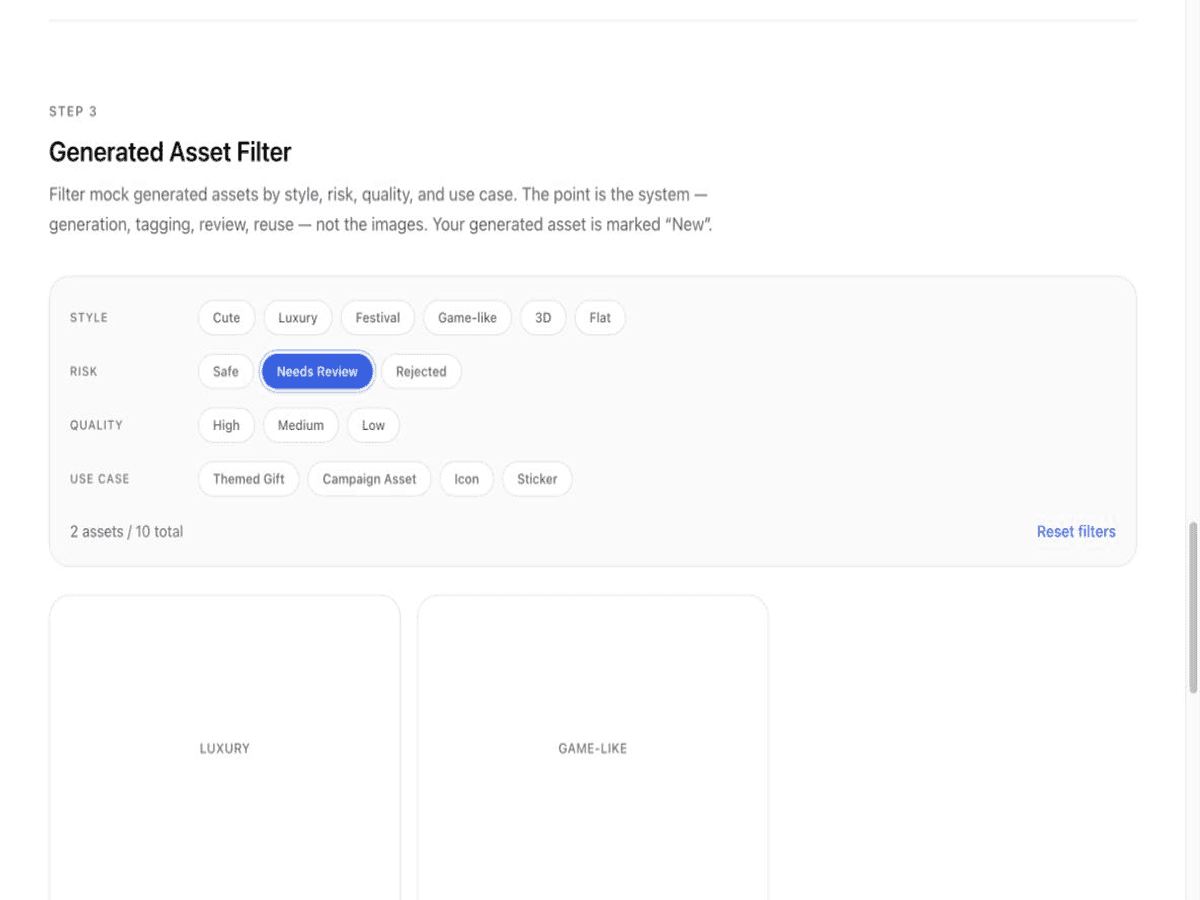
Creative judgment in the case belongs to the people reviewing the images; these numerical controls are a separate interface exercise.
Explore a simplified demonstration using simulated logic and example data.